

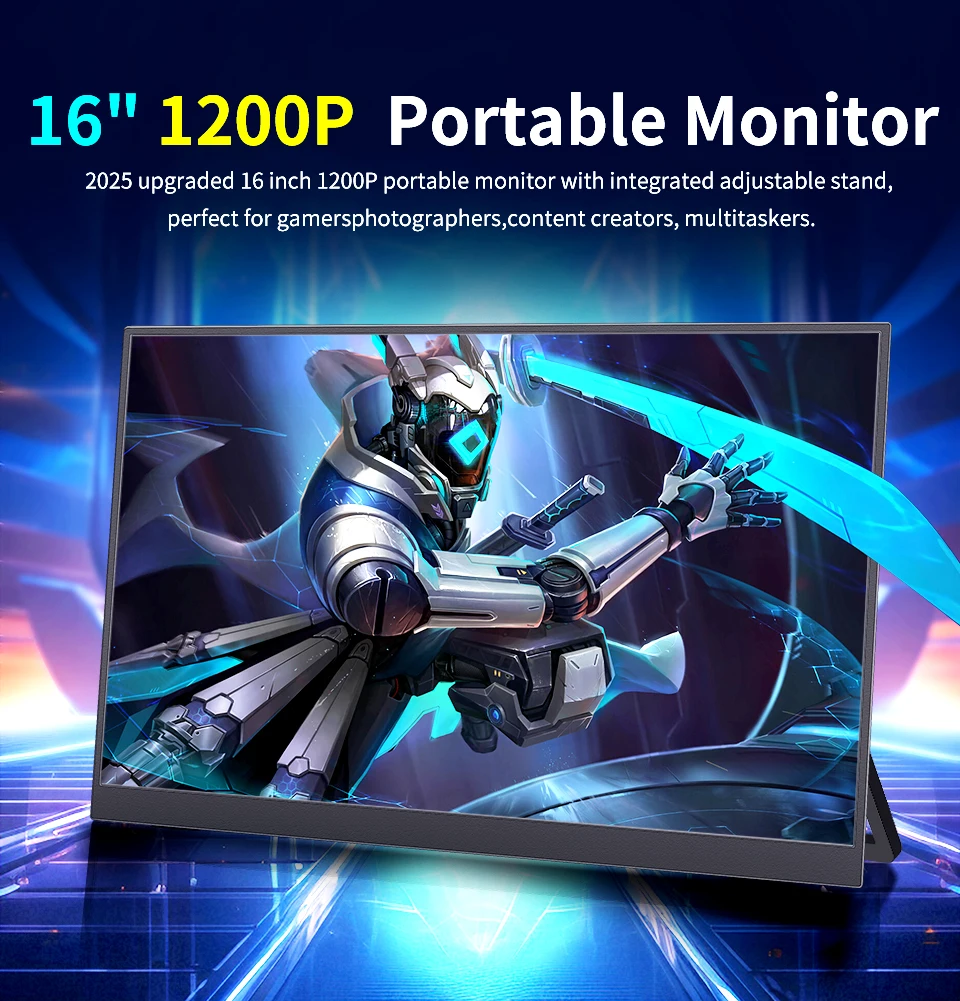
16" Portable Monitor 1200P IPS 100%sRGB 300Cd/m² Comes with dual speakers Travel Gaming Display for Laptop Switch ps4 ps5 Xbox
B160-SZF06L6
£93.99
Skip to product information



16" Portable Monitor 1200P IPS 100%sRGB 300Cd/m² Comes with dual speakers Travel Gaming Display for Laptop Switch ps4 ps5 Xbox
£93.99
SPECIFICATIONS
Application: Laptop
Bracket Type: Other
Brand Name: NoEnName_Null
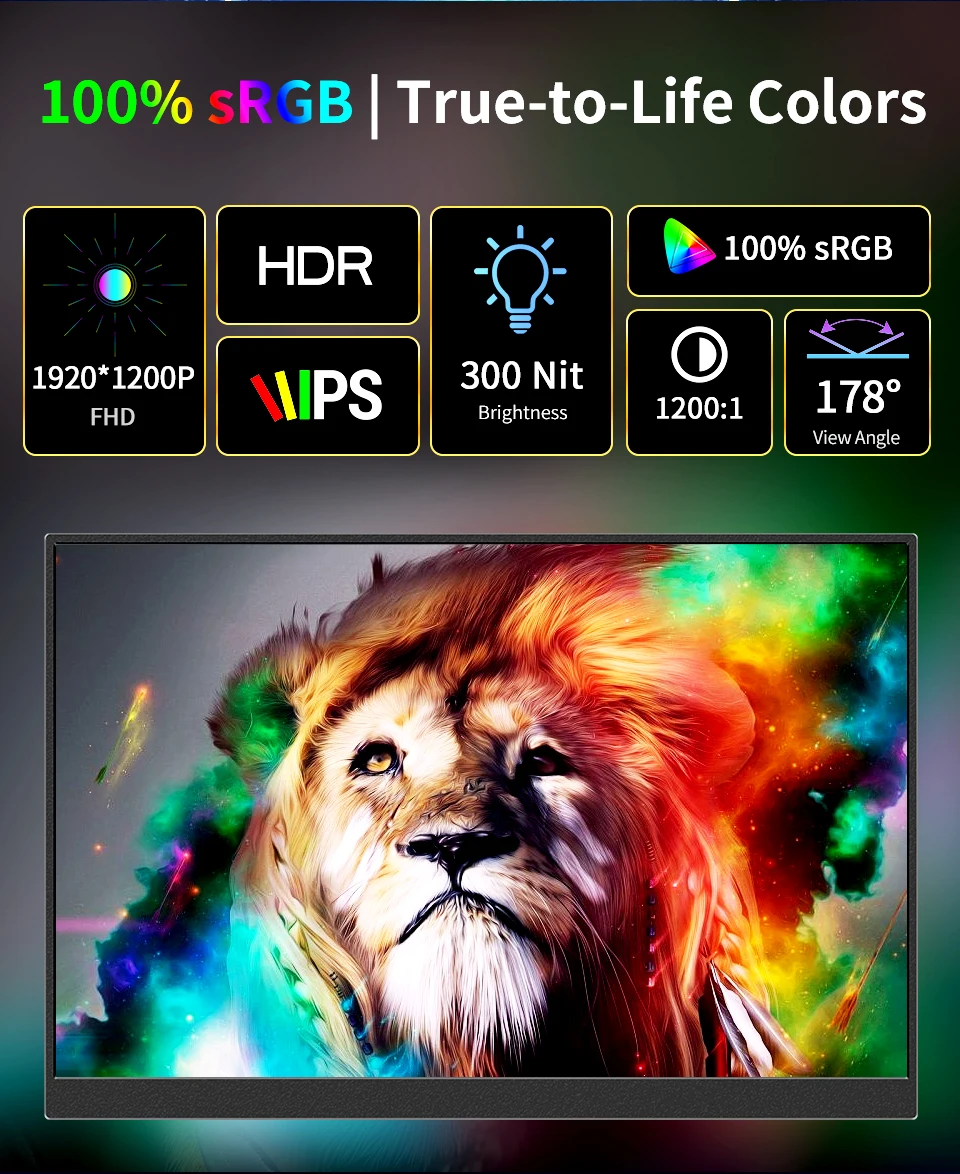
Brightness: 300cd/m
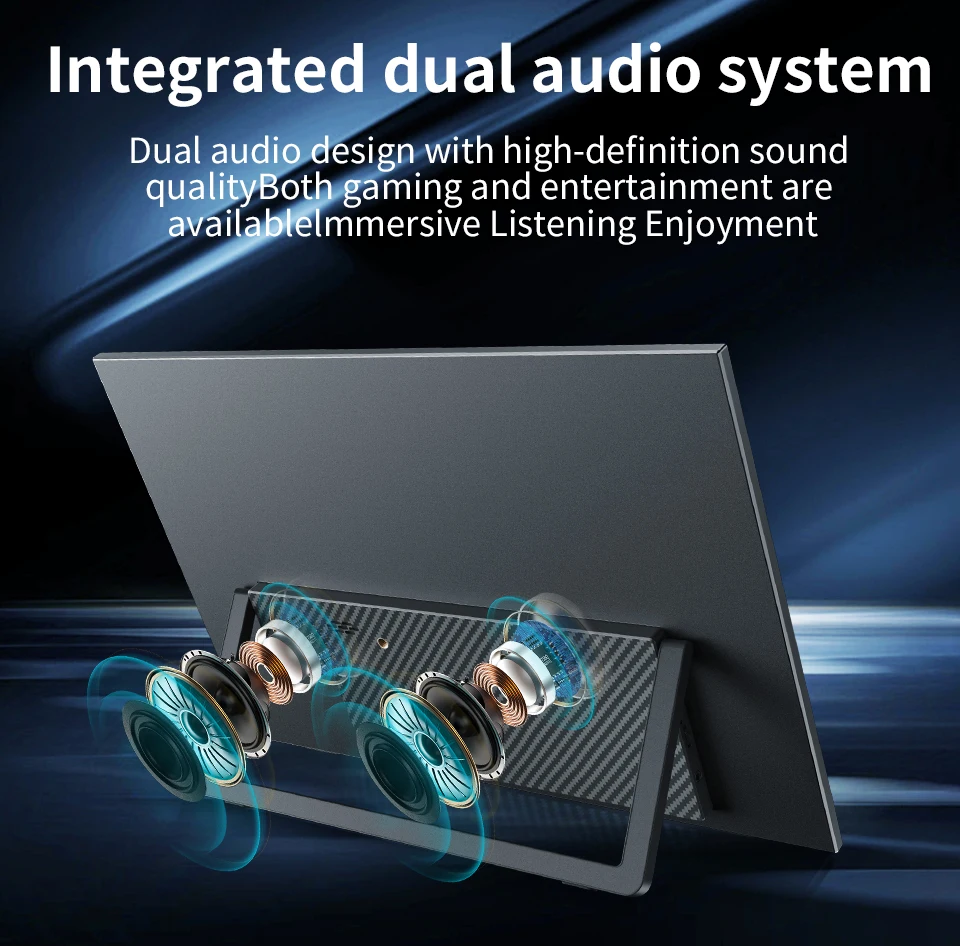
Built-in Speaker: Yes
Certification: CE,FCC,weee
Choice: yes
Contrast Ratio: 1200:1
Display Ratio: 16:10
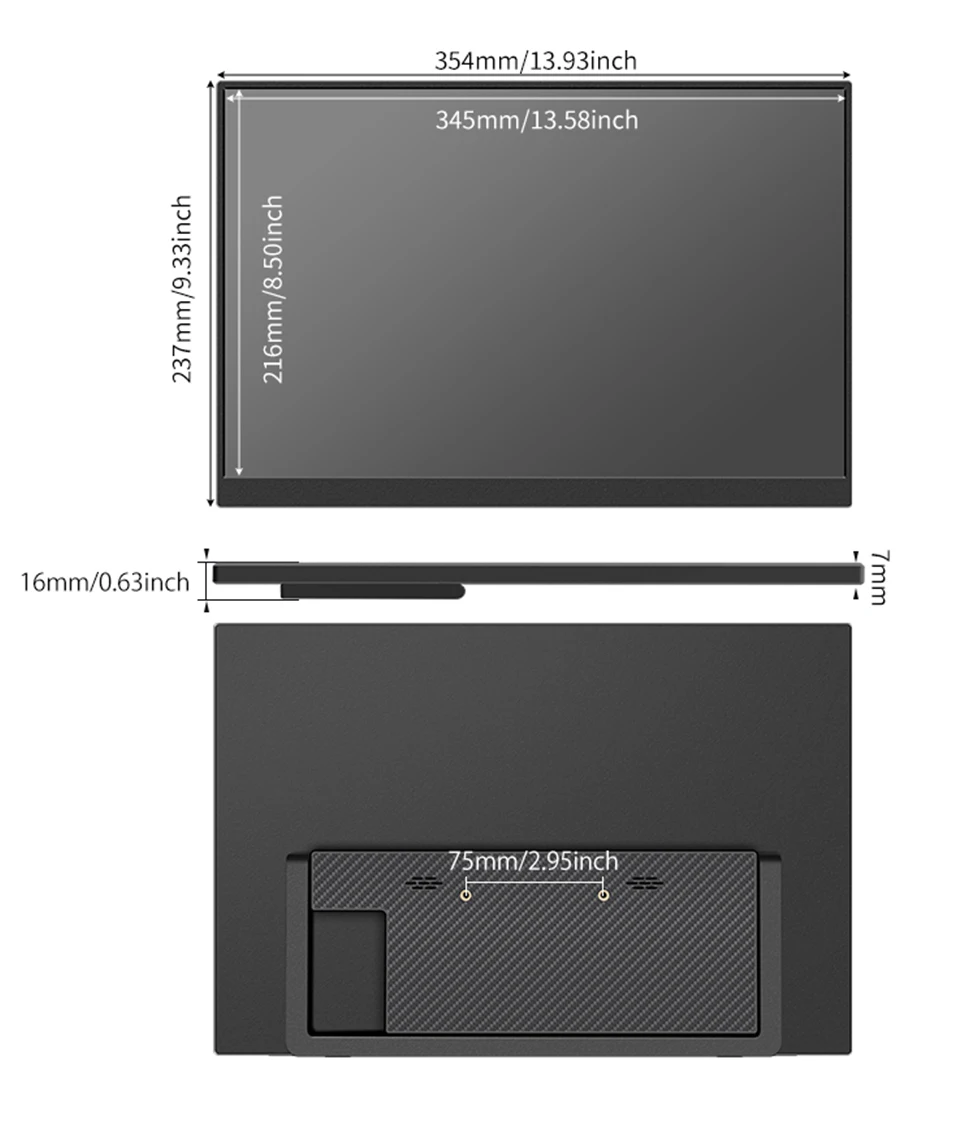
Display Size: 16 inch
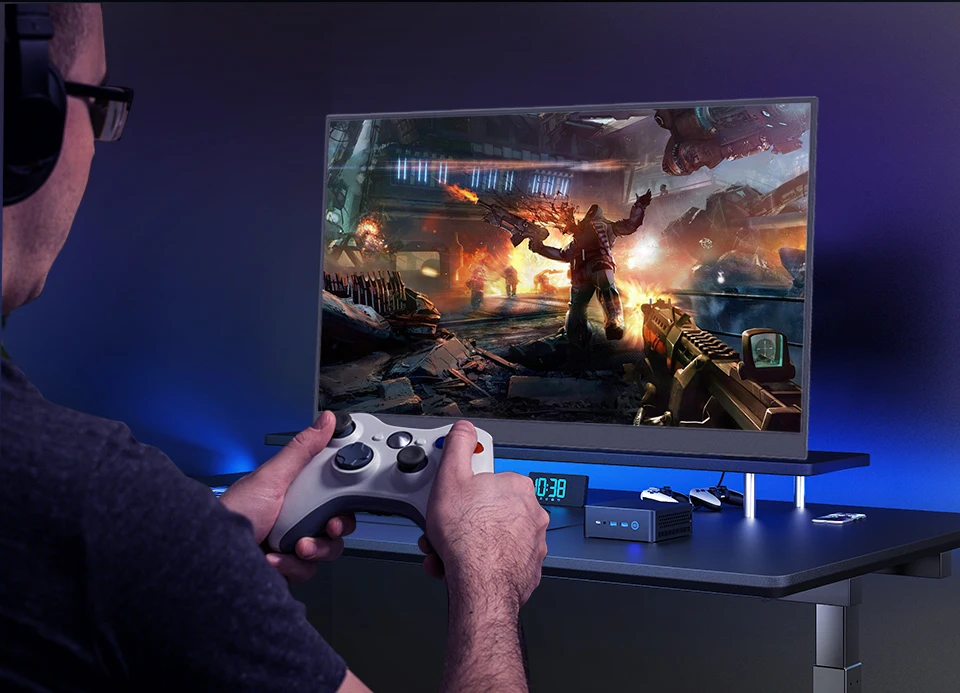
Feature: Speaker,Gaming,Vertical mode
High-Dynamic Range: HDR10
High-concerned chemical: None
Horizontal Viewing Angle: 178°
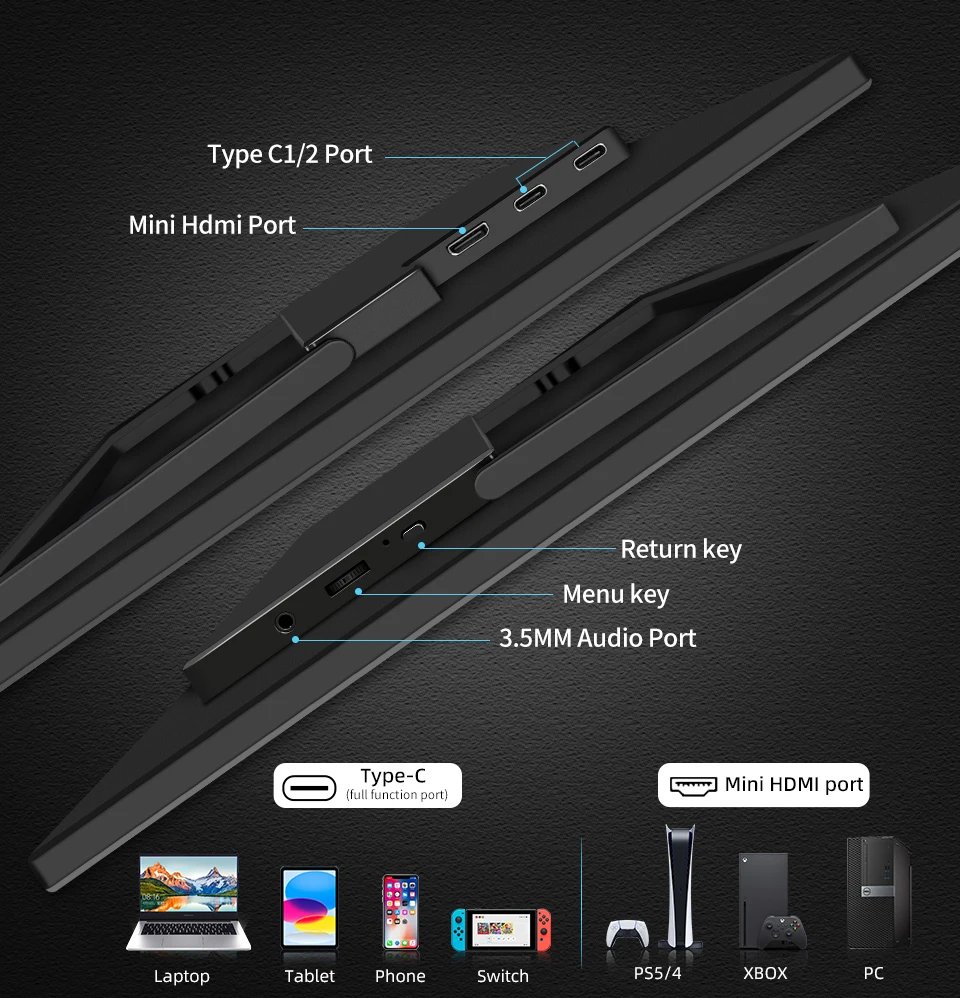
Interface Type: Type-C
Matrix color depth: 8 bit
Origin: Mainland China
Panel Type: IPS
Products Status: STOCK
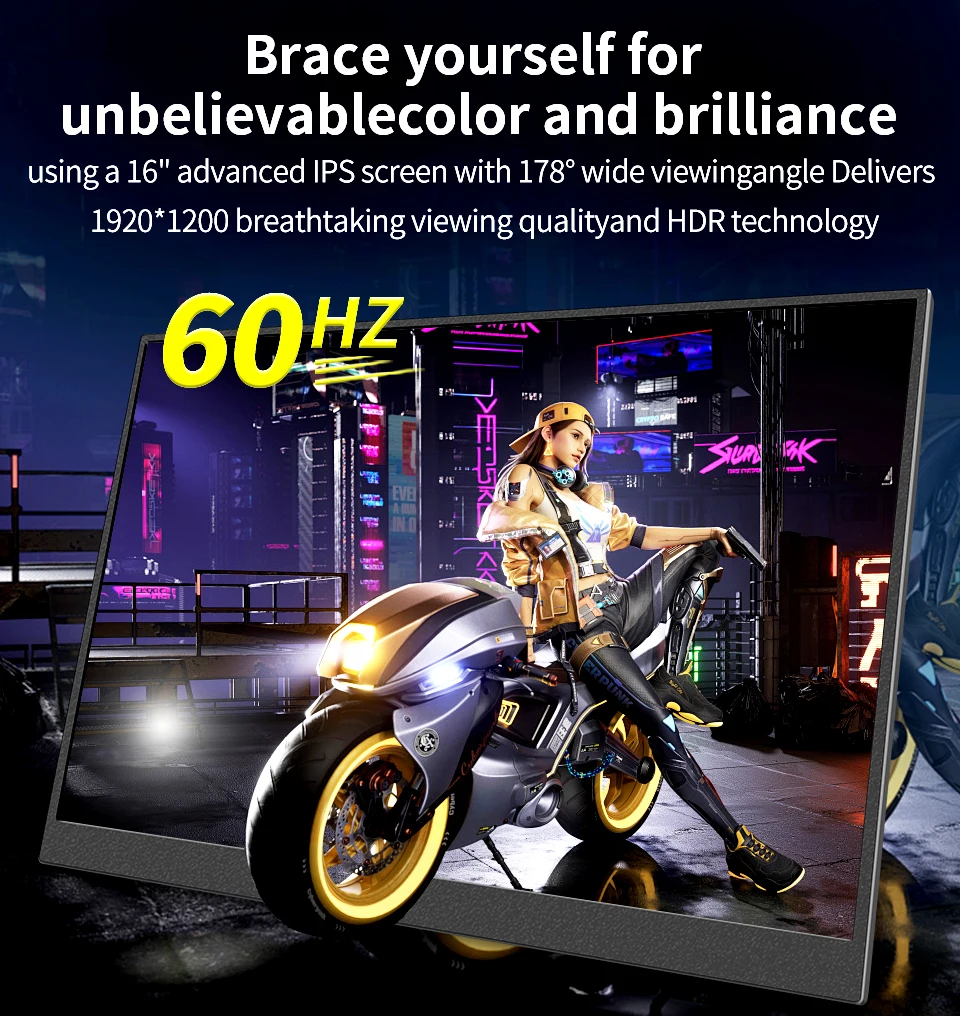
Refresh Rate: 60 Hz
Refresh rate sync technology: Adaptive Sync
Resolution: 1920x1200
Response Time: 3ms
Screen Type: LED
Screen curvature: None
Screen surface: MATT
Vertical Viewing Angle: 178°
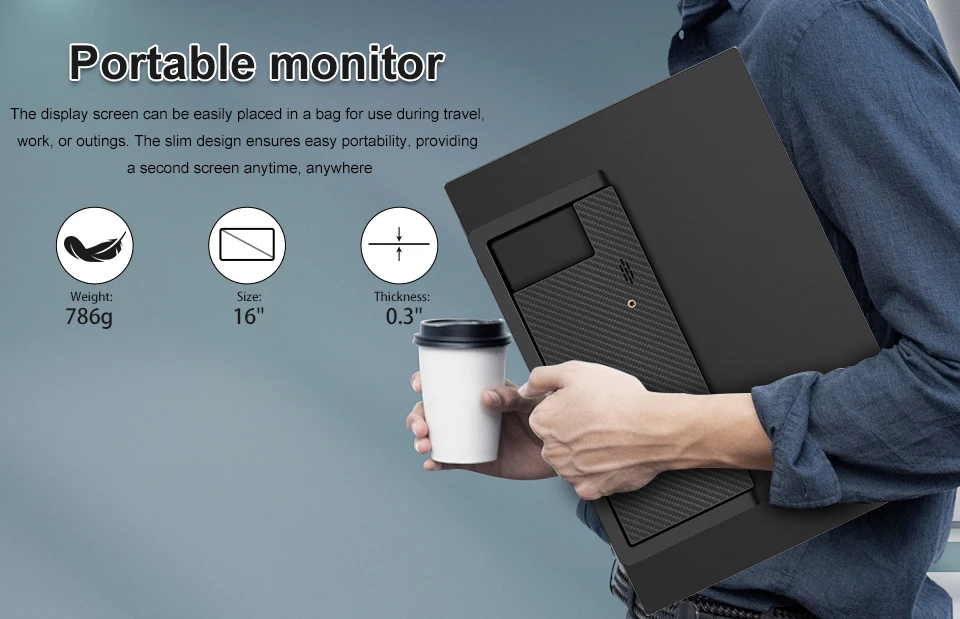
16-inch Full HD portable anti-glare IPS display with an ultraslim and thin design helps you get things done more efficiently when you’re on the go
100% sRGB: Compared with ordinary LCD screens the IPS screen has a wider viewing angle - 178° higher contrast ratio - 1200:1 color depth - 10 bits/1.07 billion color support the matte screen eliminates the trouble caused by reflection and protects the eyes to a certain extent the best choice for obsessive-compulsive disorder
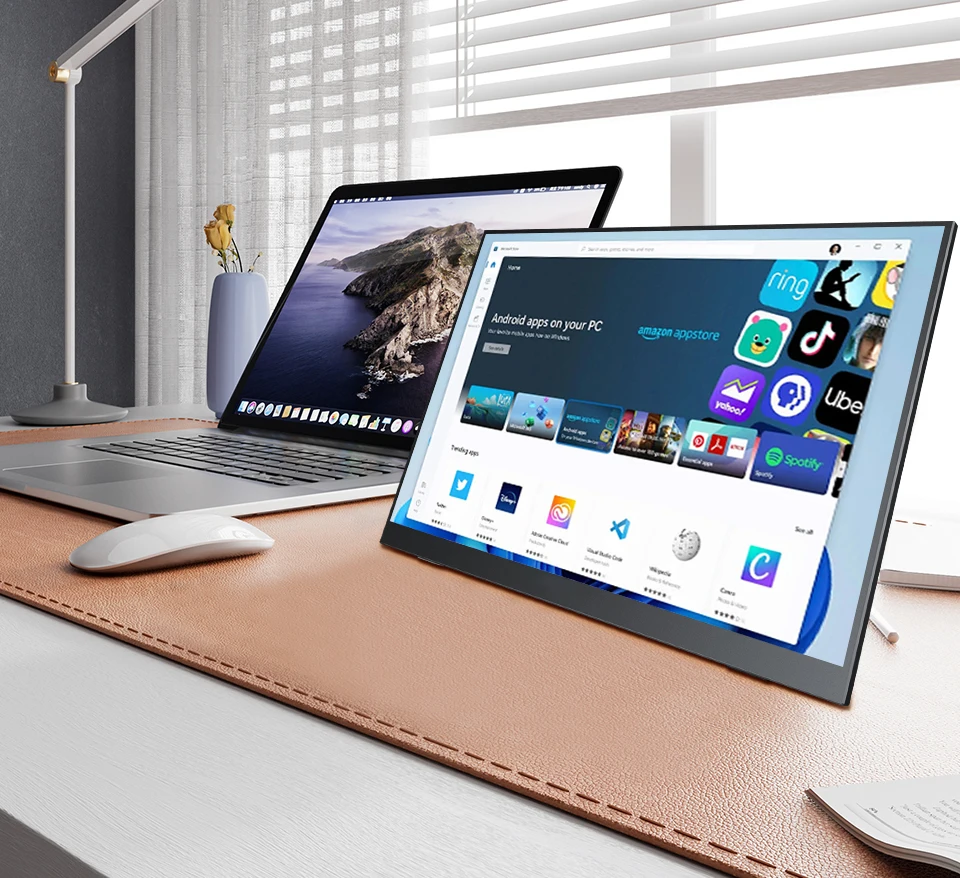
Compatible With All Your Devices: Connect our portable monitor to your PC gaming consoles Macbooks
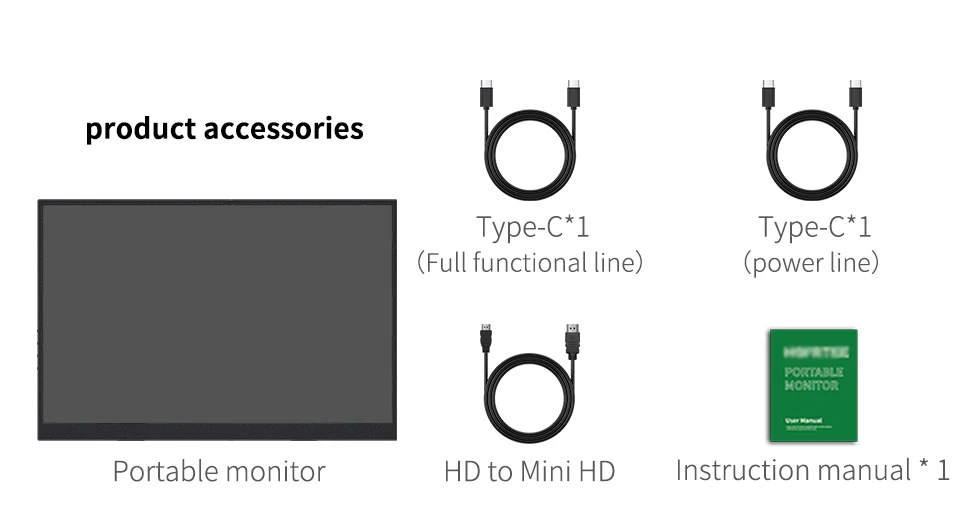
Accessories List:
1x Monitor
1x HDMI to MINI HDMI cable
1x Type-C to Type-C Cable
1x power cable
1x Manual
Monitor FAQ - Troubleshooting Common Issues
Q: Showing "No Signal" on the screen.
A1: When connecting with a Type-C cable, make sure your device supports Type-C 3.0,
Thunderbolt 3. lf not, please add a Mini HDMl to HDMl cable for signal transmission.
A2: if connected with an HDMl cable, please ensure to supply extra power for the monitor.
Q: My monitor won't power on.
A: Check if the monitor and your device are in the ON mode. Make sure the cable is properly
connected. Connect another available device or cable to check. lf the problem
persists, please contact the after-sales service center.
Q: Why is my screen flickering?
A: Please check if the connection is loose. lf there is no problem with the connection,
it may be due to insufficient power supply(minimum power requirement for the monitor
is PD 20W.) Please connect the adapter and use it again, or try to chang a new connecting
cable and device for connection. lf it still doesn't work, it is recommended to
contact the after-sales service center.
Q: Why does the monitor make a current sound or rustling noise?
A: Please confirm where the noise is coming from. If it is the noise from the connection,
please re-plug the interface or replace it with a new cable. If it is the sound from the
adapter or the speaker, it may be due to the quality of the power adapter.
Please contact us.
Q: Why does it say "No Signal" when connecting to my phone?
A1: Please confirm that your phone has a Type-C interface and is at least version 3.0 or
has a PD protocol. If not, it may not be compatible, and some conversion machines can
be used to make it compatible, for example: HD adapter.
A2: Please make sure to use the original cable.
A3: Please try another device. if it still fails, please tell us for a replacement